User specific live chat preferences
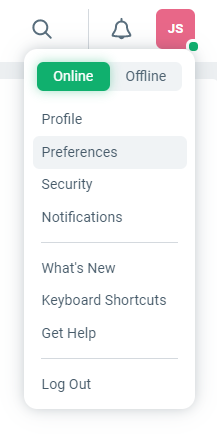
User preferences can be accessed from the user drop down on the top right corner of the desktop interface.
All the settings here are only applicable for live chat tickets and not when the chat mode on the Messenger is set to Messaging.
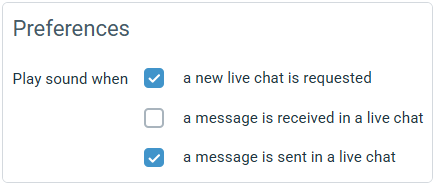
Enable or disable live chat notification sounds.
Limit how many simultaneous live chats you're willing to take on.

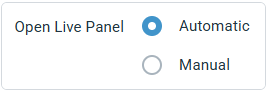
By default, live panel opens whenever you're participating in a live chat or phone call. In manual mode, you can choose to dock the panel manually as needed.
When docked, the live panel is shown as a sidebar to the right of an open ticket or a folder listing. Ream more about how to use the live panel here.