

Measure campaign success at a glance
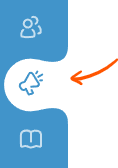
To open the campaign page, click on the megaphone icon on the blue app navigation bar on the left side of the screen.
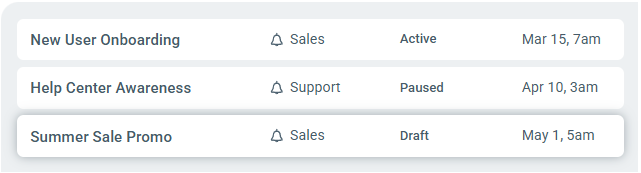
Select the campaign you wish to view by clicking it from the campaign list.
Once the campaign page is opened, the left sidebar panel shows current state, and a quick overview of the campaign's reach & interaction data.
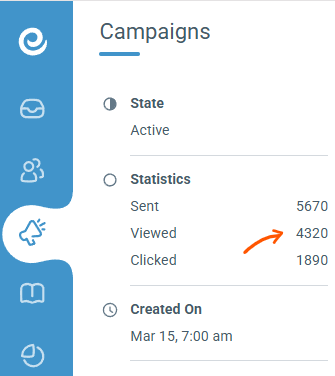
The Statistics section in side panel provides a direct view of your campaign's performance funnel through three key metrics:
Sent: The total number of times the campaign has been triggered and delivered to an active user session.
Viewed: The total number of times the campaign message has successfully rendered and been displayed on a user's screen.
Clicked: The total number of times users have interacted with the primary call-to-action button inside the message.