Schedule precisely when a campaign will show
There are three configuration options controlling when a campaign message shows. Getting these right ensures your audience sees the right message at the right time without manual intervention.
The start date is the precise time when a campaign becomes active and eligible to be displayed to users. This is configured in UTC.
Before this date & time, the campaign will not actually trigger for any visitor, even if the configured even has occured.
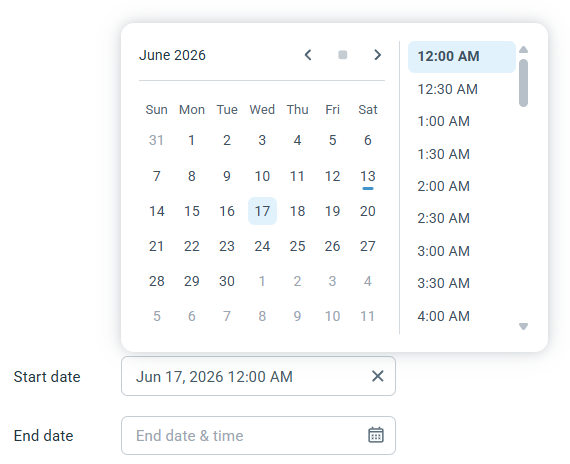
The global cutoff time for the entire campaign. This is configured in UTC.
When this time passes, the campaign will be archived. Any existing messages from the campaign will no longer show, and any new messages will not be triggered.
This is best to be used for hard-stop situations, like a Black Friday sale ending precisely at 11:59 PM.
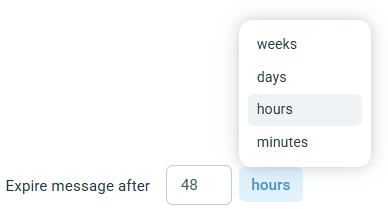
A relative time limit applied to an individual message sent to a visitor.
This setting acts as a countdown timer unique to each message event. It defines how long a specific message remains valid after it has been triggered. This allows a campaign to long running, but messages generated by the campaign to expire after short periods.
Example: If a "Welcome Discount" expires after 48 hours, a user returning a week later won't see it. Even if the overall campaign runs for months.